
How to Find a Steam AppID
Find a Steam AppID from a Store URL or SteamDB, distinguish game IDs from depot IDs, and extract a valid identifier locally for Night Lua.
AppID, Game Name & Depot ID
A Steam AppID identifies an application such as a game, DLC, demo or tool. A title is human-readable and may not be unique. A depot ID identifies content within Steam’s delivery system and is not interchangeable with an AppID. Night Lua expects the application ID.
For example, https://store.steampowered.com/app/620/Portal_2/ identifies Portal 2 with AppID 620. Use the number immediately after /app/, not numbers elsewhere in the URL.
Find the ID in a Steam Store URL
- Open the game’s Steam Store page and verify the title and edition.
- Inspect the address. A game page uses
https://store.steampowered.com/app/<AppID>/…. - Copy the numeric part after
/app/. - On Generator, expand Advanced and paste that number.
Store bundle and subscription URLs are not AppID URLs. Community profiles, workshop items and depot pages also use different identifiers.
Find the ID with SteamDB
- Open SteamDB and search for the game.
- Select the application matching the title and edition.
- Open Metadata and copy its App ID.
- Check that you copied the AppID rather than a depot or package ID.
SteamDB is an independent external service. Follow its current interface if its navigation changes. Cross-check the Store page when available.
Enter the ID in Night Lua
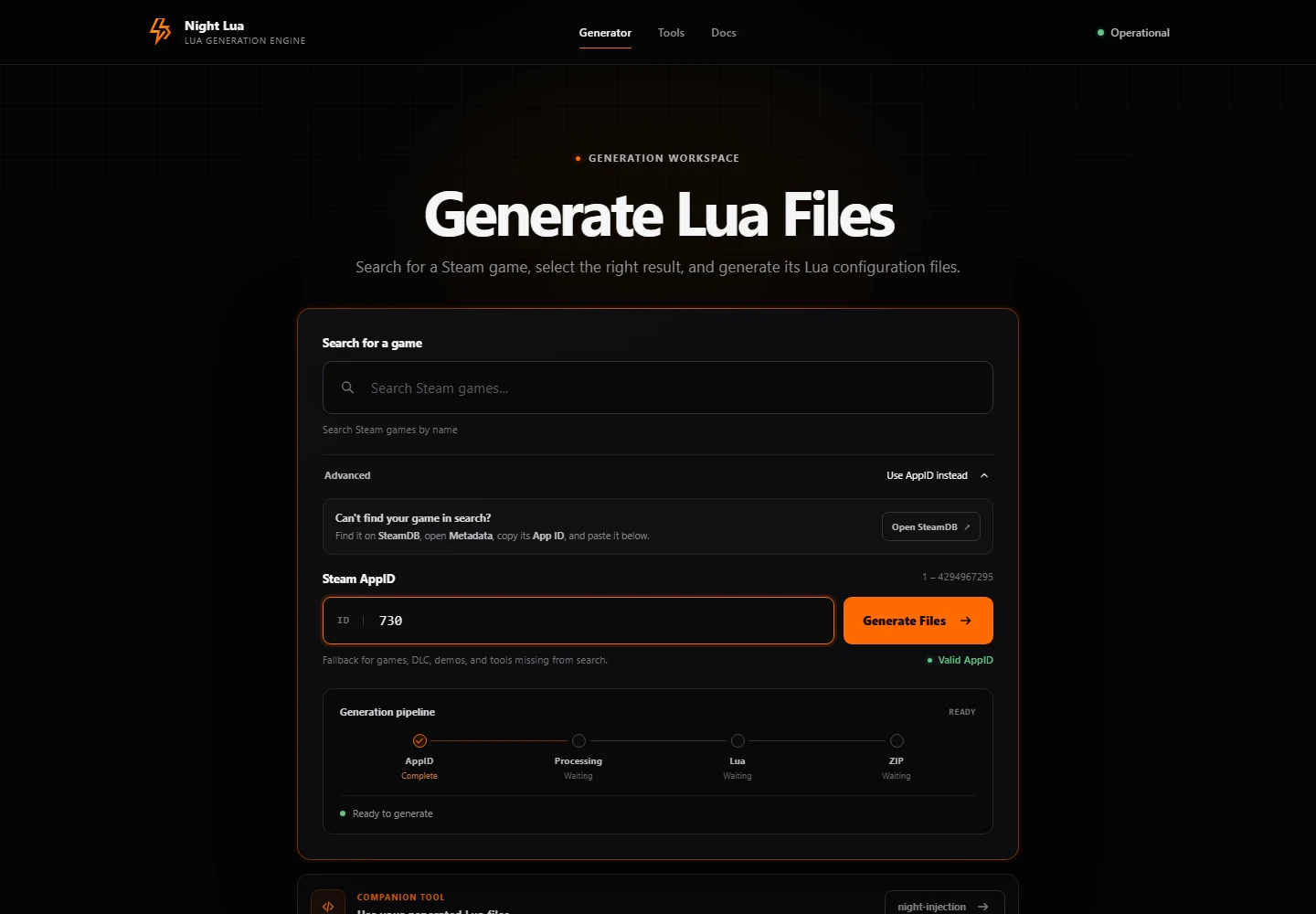
Expand Advanced → Use AppID instead, paste the number, wait for Valid AppID, and select Generate Files. The accepted range is 1–4294967295 with no leading zeros. Format validation does not prove that a configuration source supports the game.
Common Errors
- A pasted URL: extract and use only the application number.
- A zero, negative, fractional or oversized value: use a valid positive integer.
- A leading zero: copy the exact Store application number.
- A depot, bundle or package ID: return to the game’s
/app/page. - No supported configuration: check the edition, then consult troubleshooting.